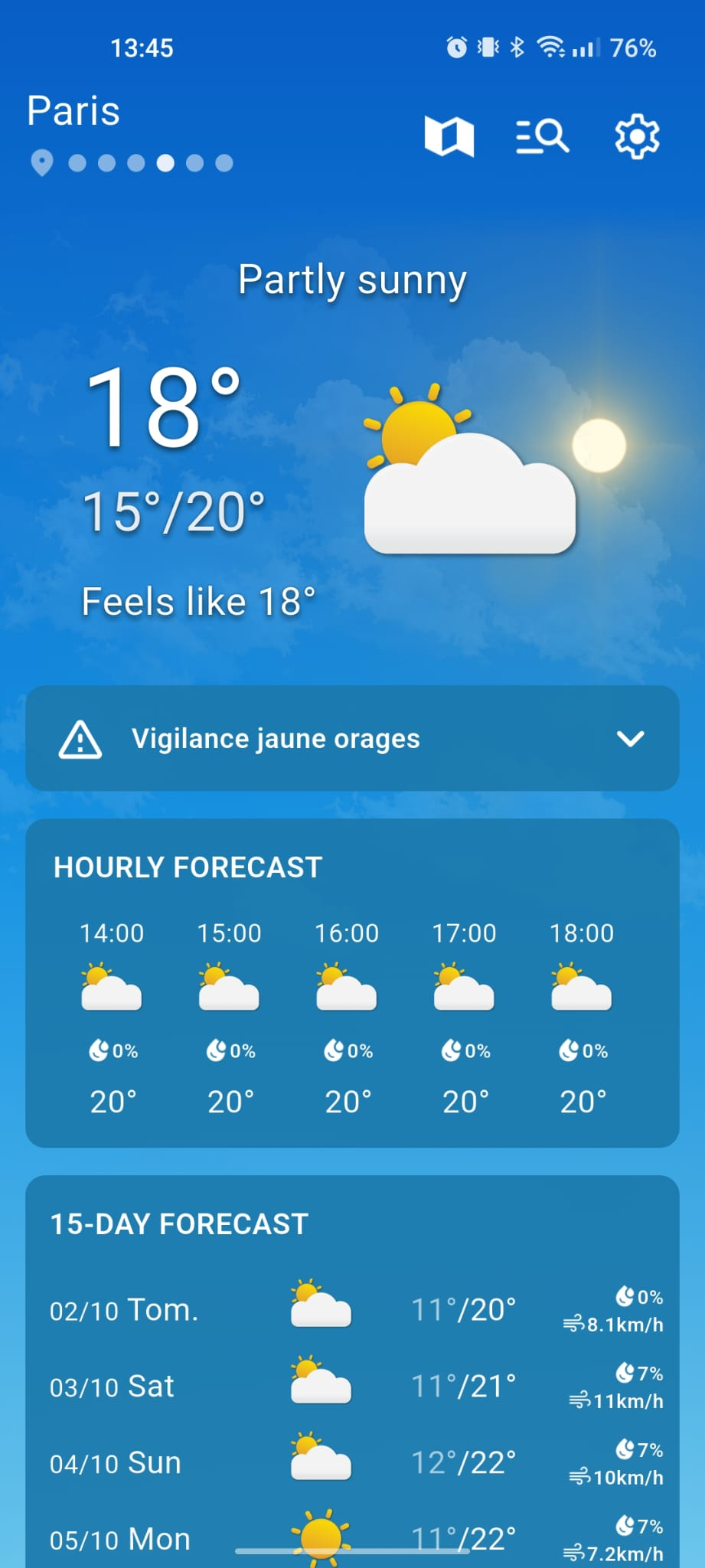
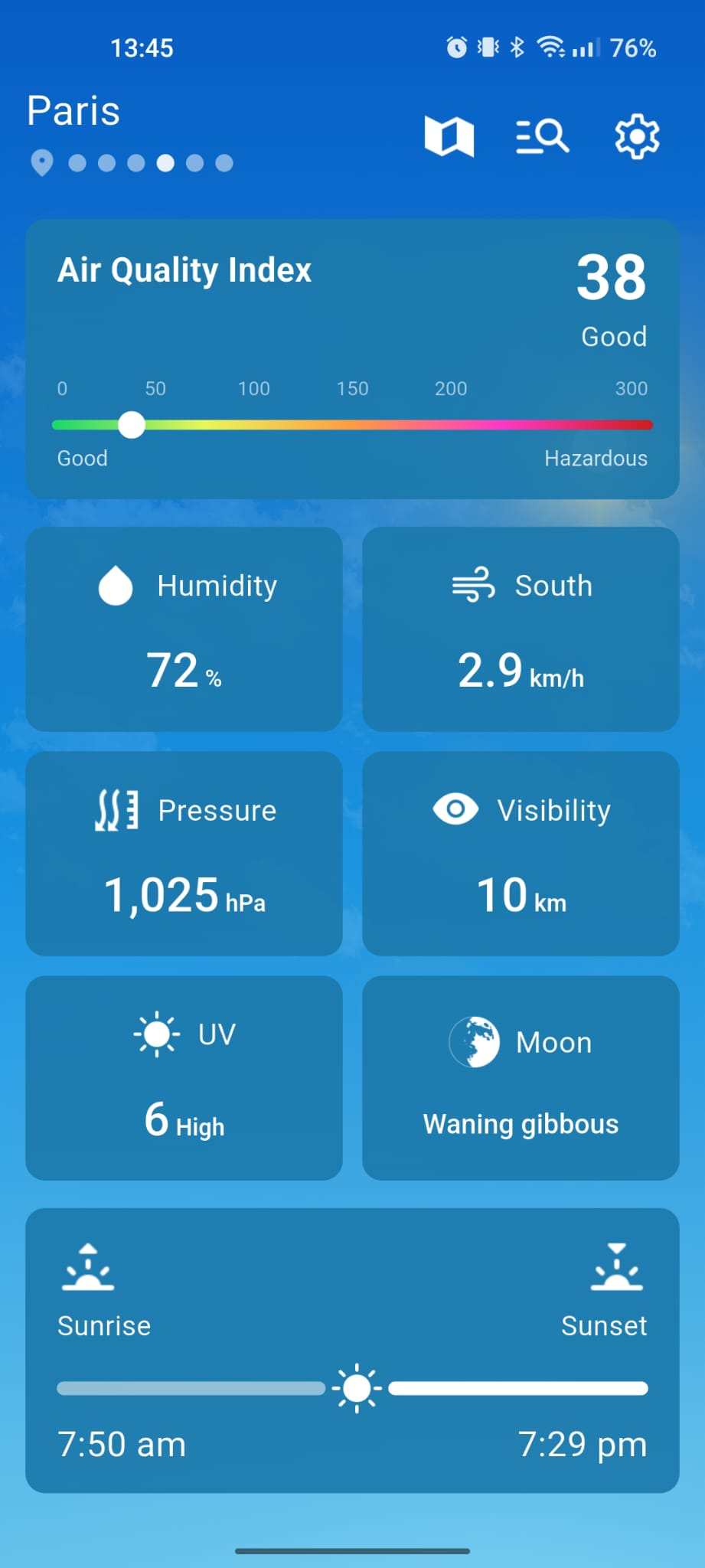

Search for any city in the world, add it to your dashboard and switch from one to another in a single tap.
Features
The essentials of the weather, no detours.
Météo gathers all the useful data so you can check a city's situation in seconds, compare your favorite places and plan your day with peace of mind.
Check temperature, feels-like temperature, sky conditions, wind and humidity for the selected city.
Hour-by-hour and daily forecasts, pressure, visibility, UV index, moon phases and sunrise/sunset times.
How it works
Start with a city, then use the dashboard to check its weather and explore the details.
-
1. Find a city
Search for a city by name and select the matching result. Choose the place whose weather you want to follow.
-
2. Add it to your dashboard
Save the city among your favorites. You can add other places and switch between them to check their conditions.
-
3. Read the forecasts and details
Check the hourly and daily forecasts, then open the details for wind, humidity, UV, moon phases and sun times.
Weather details explained
These readings complement temperature and help you understand the conditions for the selected city.
Feels-like temperature
Feels-like temperature reflects how warm or cold conditions may feel, taking factors such as wind and humidity into account.
Air pressure
Air pressure describes the weight of the air above a location. Its changes give context to the current weather conditions.
Visibility
Visibility indicates how far you can see through the air. Fog or precipitation can reduce this distance.
UV index
The UV index describes the intensity of ultraviolet radiation. A higher value means stronger exposure to the sun’s UV rays.
Moon phases
The moon phase shows where the Moon is in its cycle, from new moon to full moon and back.
Sunrise and sunset
Sunrise and sunset times show when daylight begins and ends in the selected city, helping you plan activities during daylight.
In short
Météo weather app at a glance.
Météo is a weather app for Android and iOS, free to download. Follow one or more favorite cities, see current conditions at a glance and find useful details for every day.
Name
Météo
Category
Weather app
Platforms
Android and iOS
Publisher
SmartApps
FAQ
Frequently asked questions
What does the Météo app offer?
Météo shows current conditions, hourly and daily forecasts as well as weather details for all your favorite cities: temperature, feels-like, wind, humidity, pressure, UV and sun times.
Is the Météo app available on Android and iOS?
Yes. Météo is free to download for Android and iOS. It contains ads and in-app purchases. Use the official download links on this page.
What weather information is displayed?
The app shows temperature and feels-like, sky conditions, wind, humidity, pressure, visibility, UV index, moon phases, as well as sunrise and sunset times.
Can I follow several cities?
Yes. Save several favorite cities on your dashboard and switch between them to view their weather and forecasts.
Which platforms are supported?
Météo is available for Android and iOS. Choose the download link for your device on this page.
How do I download the app?
Use the Android or iOS button to open the official store listing, then follow the store’s installation instructions.
Ready to stop getting caught in the rain?
Download Météo for free and keep an eye on the sky over all your favorite cities.